Get Paid With Less Chasing Using a Simple Invoice
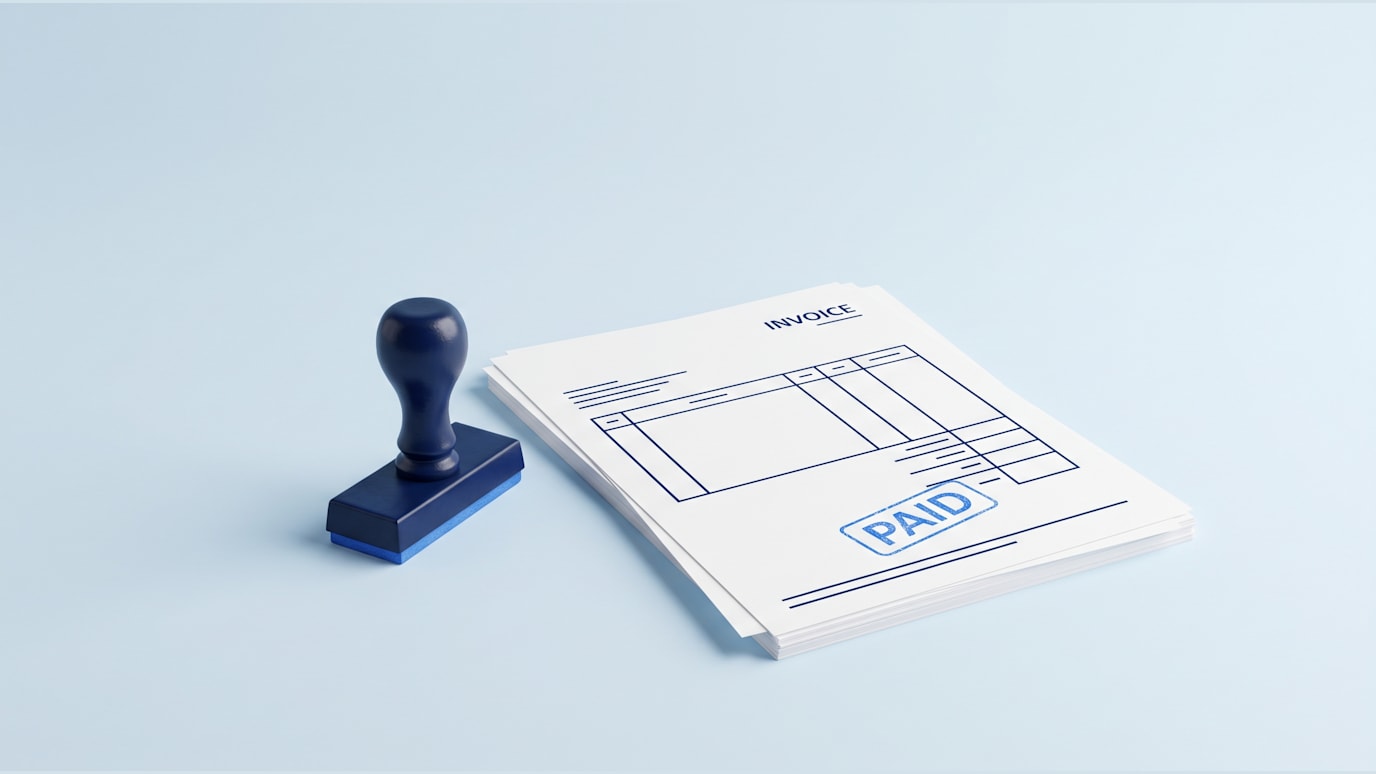
A simple invoice should make the next step obvious. Your customer should know what they bought, what they owe, when it is due and how to pay without sending a follow-up question.
That matters when you are busy. The faster someone understands the bill, the faster you can move on to the next order, client, delivery or job.
Quick answer
Name the seller and buyer
Show what was sold
State the amount and due date
Add clear payment instructions
Know What a Simple Invoice Is Actually For
An invoice is a request for payment. It tells a customer that work has been done, goods have been supplied or an agreed charge is now due. If you have ever searched “what is invoice” because the word sounds more formal than the task, that is the plain answer.
A simple invoice is not trying to be a contract, a brochure or a long explanation of your business. It is a clean business document that helps both sides keep track of money. You send it so the customer can check the details and pay the right amount.
The simplest version answers four questions:
Who is asking to be paid?
Who needs to pay?
What is the payment for?
When and how should payment happen?
That is the whole job. If the document does those things clearly, it can stay short.
Put the Right Details in the Right Order
The easiest way to make an invoice simple is to use a predictable order. Customers should not have to hunt for the total or guess which payment reference to use.
Start with your business name and contact details. Then add the customer’s name and details, an invoice number, the invoice date and the due date. After that, list the product or service, quantity if needed, price, taxes or discounts if they apply, the total due and payment instructions.
A clean order might look like this:
Seller and customer details, so both sides know who the invoice belongs to.
Invoice number and dates, so the document can be tracked later.
Line items, so the customer can see what they are paying for.
Total due, so the amount is impossible to miss.
Payment instructions, so there is no extra message needed.
A search for “invoice template free” can be a useful starting point, but do not let the template decide your process. Keep the fields you actually use and remove clutter that makes the bill harder to read.
Use Plain Line Items So Customers Do Not Guess
The line item section is where many invoices become confusing. A vague phrase like “project work” may be quick to type, but it often creates a question. A better line item reminds the customer what was agreed.
Compare the difference:
Weak line item | Clear line item |
|---|---|
Services | Monthly website support for March |
Products | 12 navy cotton shirts, size mix agreed |
Consulting | Two planning sessions and written summary |
You do not need a long story. You need enough detail for the customer to recognize the charge.
This is also where an invoice sample template free download can help you see the structure, as long as you rewrite the sample wording. A sample should not sound like it belongs to someone else. Your invoice should match the words your customer heard when they bought from you.
Tip: If a customer would not recognize the line item two weeks from now, make it clearer before you send the invoice.
Keep the Design Simple Enough to Read Fast
A simple invoice does not need much design. In fact, too much design can push the important information out of view. Use spacing, bold labels and a clear total instead of decoration.
Your customer should be able to spot the amount due in a few seconds. Put the total near the bottom, make it visually stronger than the line items and keep payment instructions close to it. If you accept more than one payment method, list them plainly.
Before sending, check the invoice like a customer would:
Is the total easy to find?
Is the due date clear?
Are payment instructions complete?
Does the invoice number appear once and make sense?
Is there anything on the page that does not help payment?
Once you have a clear structure, you can Start your free 7 day trial of IdeoLab https://ideolab.ai/TrialBuild and use the same discipline as you turn rough business materials into cleaner drafts. Keep reviewing the final invoice yourself, because the amount, customer details and payment terms still need your approval.
Build One Repeatable Invoice Process
The real benefit is not making one nice-looking invoice. It is making the next invoice faster and less stressful. When the same details appear in the same place every time, you reduce the chance of missing a date, mistyping a total or forgetting payment instructions.
Create a short invoice checklist and use it before every send. This is especially helpful when you invoice at the end of a busy week, after several orders or after a project handoff.
A repeatable process can sit beside other simple business systems. If you are tightening the work that happens after a sale, you may also like Workflow Automation: Get Back the Hour You Lose Every Morning. If your invoices follow proposals, Business Proposal: Win the Job Without Starting From Scratch can help you make the earlier step clearer too.
The goal is not paperwork for its own sake. It is fewer small interruptions around money.
Check the Invoice Before You Send It
A simple invoice still needs a careful final check. Small mistakes can slow payment because the customer has to ask what you meant.
Use this quick review:
Starting point: You have finished work for a customer and need to bill for two agreed services.
Action: Write each service as a separate line item, add the agreed price beside each one and show the total below them.
Sample result:
Monthly product photography edit package, agreed March scope: $600
Additional product image resizing, 20 images: $100
Total due: $700
Human check: Make sure the amount matches the agreement, the customer name is correct and the payment instructions are current.
That last check is not busywork. It is the difference between a document that helps someone pay and a document that starts another thread of messages.
Make the Next Payment Easier to Ask For
Once you know what a simple invoice needs, the task gets smaller. You are not designing a finance system from scratch. You are giving the customer a clear request for payment.
That clarity helps on both sides. Your customer can approve the invoice faster, and you can keep your own records cleaner. The best version is easy to read today and easy to find later.
Keep Your Invoice Routine Moving
If the invoice process is part of a wider push to clean up your business documents, use the trial first and see whether IdeoLab fits the way you work. Start your free 7 day trial of IdeoLab https://ideolab.ai/TrialBuild. If the trial becomes part of your regular document routine, IdeoLab Starter is $39 a month https://ideolab.ai/StartPub.
Start your free 7 day trial of IdeoLab
Questions Owners Ask About Simple Invoices
What invoice details matter most if I want fewer customer questions?
The most important details are the seller, customer, invoice number, invoice date, due date, line items, total and payment instructions. If any of those are missing or unclear, the customer may need to ask before paying. Keep those details in a consistent order so the invoice is easy to read and easy to file.
What are invoice numbers for?
Invoice numbers help you and your customer track each bill. They make it easier to find a past invoice, match a payment to the right document and discuss a specific charge without confusion. The number does not need to be complicated. It just needs to be unique and used consistently.
What is invoice wording supposed to say in the line item section?
The wording should describe what the customer is paying for in terms they recognize. Use the name of the product, service, order, package or period covered. Avoid internal shorthand that only makes sense to you. A clear line item can be short, but it should connect the amount due to the agreement the customer remembers.
Can I use an invoice template free download without changing it?
You can start with one, but you should edit it before sending. Many free templates include fields you may not need, and some use vague sample wording. Keep the useful structure, then replace the sample text with your business name, customer details, payment terms and line items that match the actual sale.
Is a simple invoice enough for every customer?
A simple invoice is enough when the sale is straightforward and the customer only needs a clear request for payment. More complex work may need extra documents, such as a proposal, contract or statement of work, before the invoice. The invoice itself should still stay focused on payment.
Can I test this process during the IdeoLab trial?
You can start with the article’s checklist during the trial and see whether the way you work with IdeoLab suits your document routine. Keep checking the final details yourself, especially totals, customer names, dates and payment instructions. The trial is useful for deciding fit before you choose whether to continue.